01892 543000
Menu
  • Classroom Courses
    • Health and Safety Courses
    • First Aid Courses
    • Fire Safety Courses
    • Construction Courses
    • Working at Height Courses
    • Plant Courses
    • Soft Skills Courses
    • Online Instructor-Led Courses
    • Utilities Courses
    • Electrical Courses
  • Online Courses
    • Online Training
    • Online Instructor Led
  • NVQs
    • Construction NVQs
  • On-Site Training
  • Accreditations
    • CISRS
    • CITB
    • CPCS
    • City & Guilds
    • EUSR
    • IOSH
    • IPAF
    • ISEP
    • NEBOSH
    • NPORS
    • NRSWA
    • PASMA
  • About us
    • Meet the Team
    • Training Venues
    • The Hub
    • Account Manager
    • Contact Us
  • List your courses
    • Become a Partner
    • Training Partners
  • Log In

Find and Book your local courses

  • Home
  • Accessibility

Easybook Training - Accessibility Policy

To help maximise usability for all users we have developed this website to meet the following standards where possible:

W3C Web Content Accessibility Guidelines 1.0

Level A conformance icon, W3C-WAI Web Content Accessibility Guidelines 1.0 Level Double-A conformance icon, W3C-WAI Web Content Accessibility Guidelines 1.0 Level Triple-A conformance icon, W3C-WAI Web Content Accessibility Guidelines 1.0

W3C XHTML & CSS Standards

Valid XHTML 1.0 Valid CSS level 2


Access Keys


We have implemented access keys for the following pages to improve navigation for keyboard and screen-reader users:


Alt + 0 - Links to this accessibility page

Alt + 1 - Links to the home page (www.easybooktraining.co.uk)

Alt + 3 - Links to the site map

Alt + 8 - Links to our Terms and Conditions

Alt + S - Allows you to jump to the content of a page


Press the 'Alt' key at the same time as the access key (e.g. '3' for the site map) to select the link, then press 'Enter' to go to the page. Access keys work differently in different operating systems - the examples above work in Windows Internet Explorer. If you are using a Mac press 'Ctrl' instead of 'Alt'. Firefox users must press 'Alt' + 'Shift' + key.


Not all browsers support access keys.
Request a callback

Leave your contact details below and we’ll call you back as soon as one of our team becomes available.

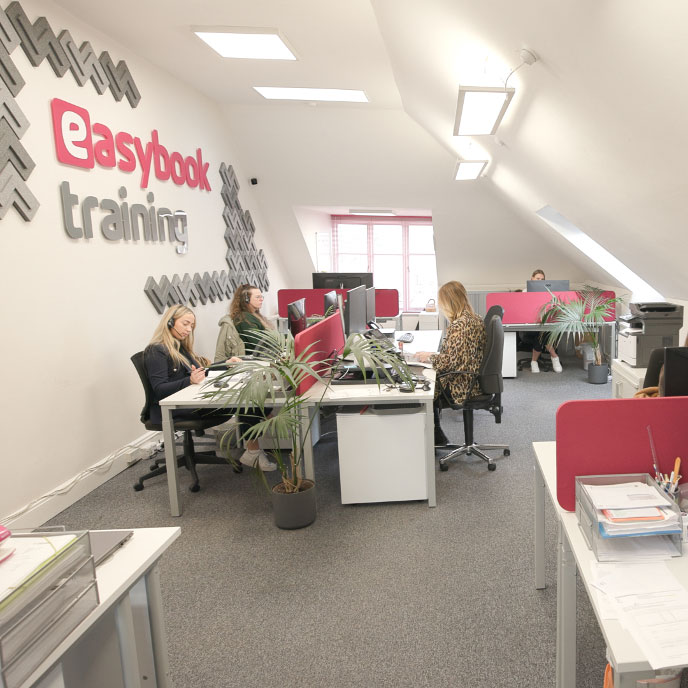
Easybook Training team working in the Easybook Training office
Call us on01892 543000
Information
FAQsPrice Promise Training Venues Training Providers Become a Provider
Company
About us Meet the team BlogContact
Legal
TermsPrivacyAccessibilitySitemap
Feefo Platinum Trusted Service Award 2026UKAS ISO 9001 Quality Management Certification

Easybook Training Ltd partners with hundreds of highly respected and industry accredited training course providers. As an agent we are not directly accredited by or associated with any examining body. The courses advertised on our site are delivered by training providers who are independently accredited.

©2026 Easybook Training. All rights Reserved